Your account
On this page you can find information about changing the information Treadl holds about you, or deleting your account.
Delete your Treadl account
Your account can be deleted via the website or mobile app.
Via the website
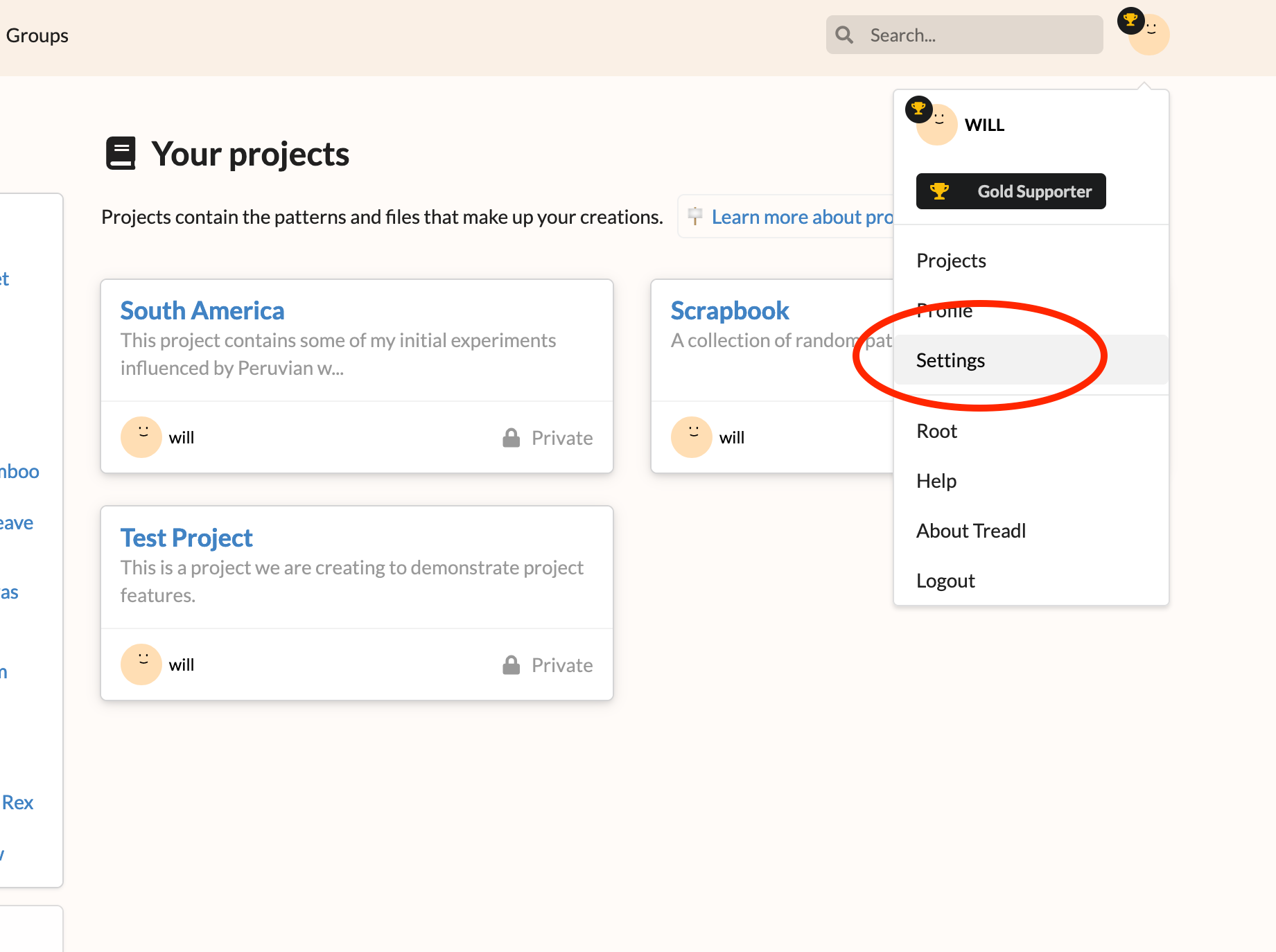
To delete your account via the website, visit your Settings page via the dropdown in the navbar.
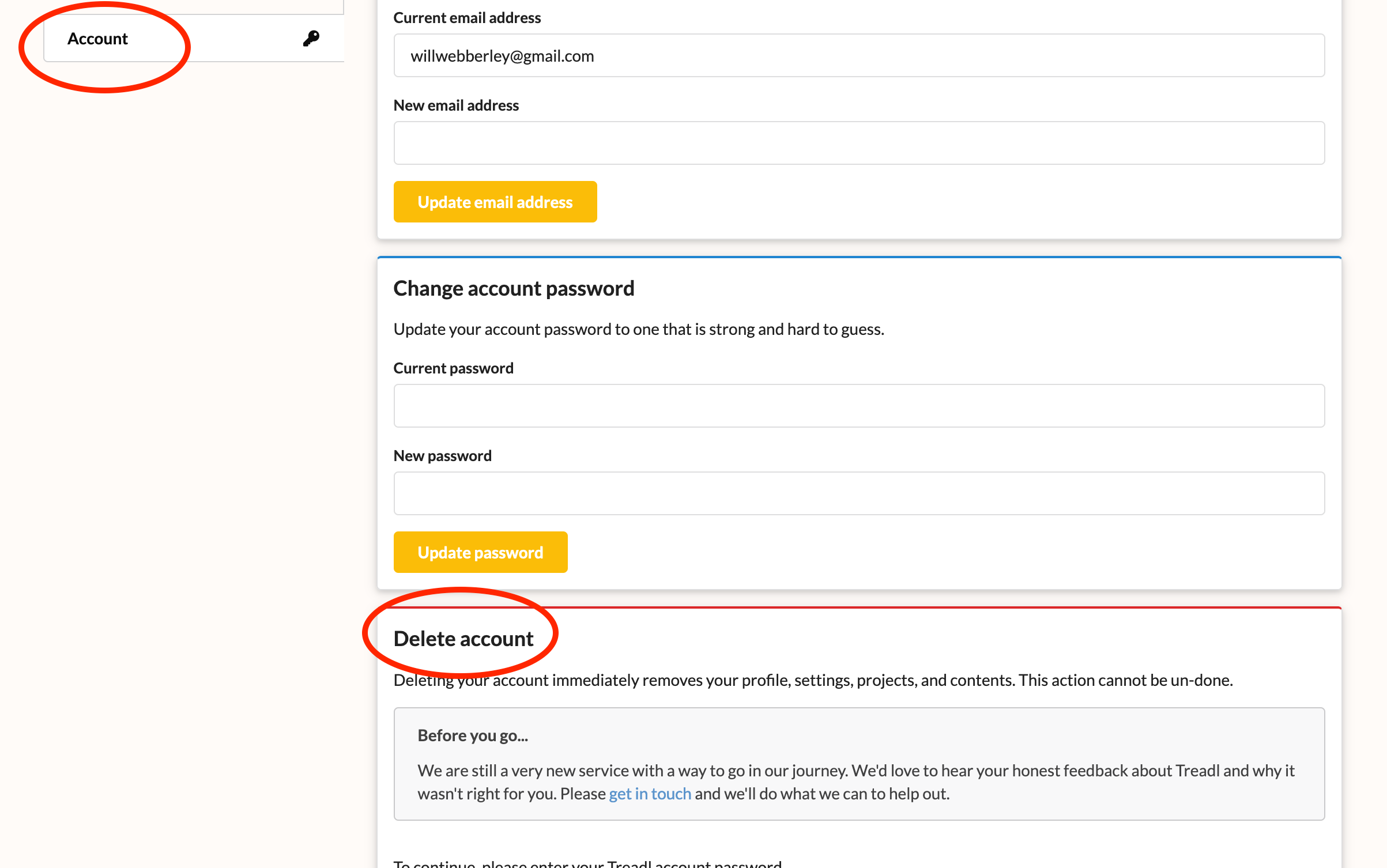
Select "Account" from the sidebar, and find the "Delete account" section. Enter your password to delete your account.
Via the mobile app
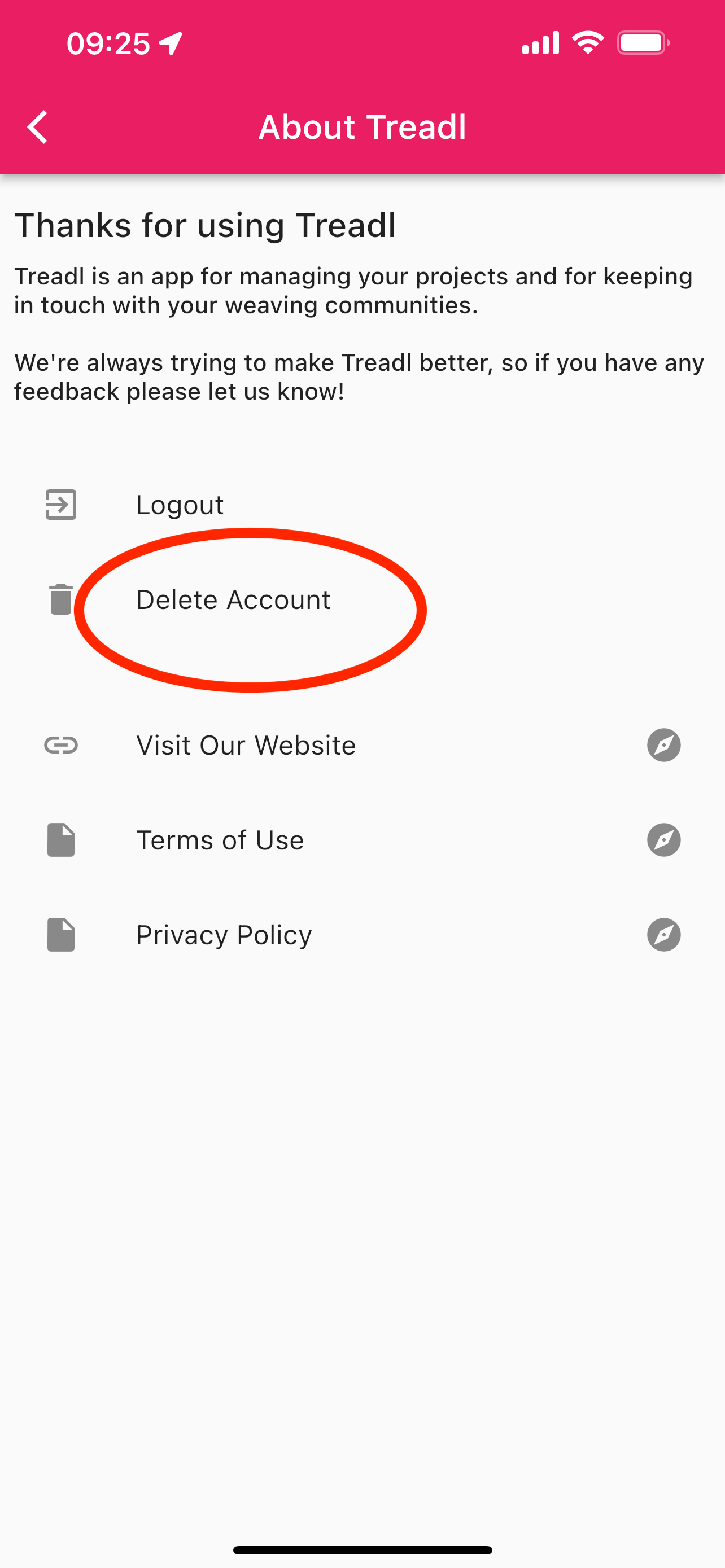
To delete your account via the mobile app, tap the information icon in the navbar.
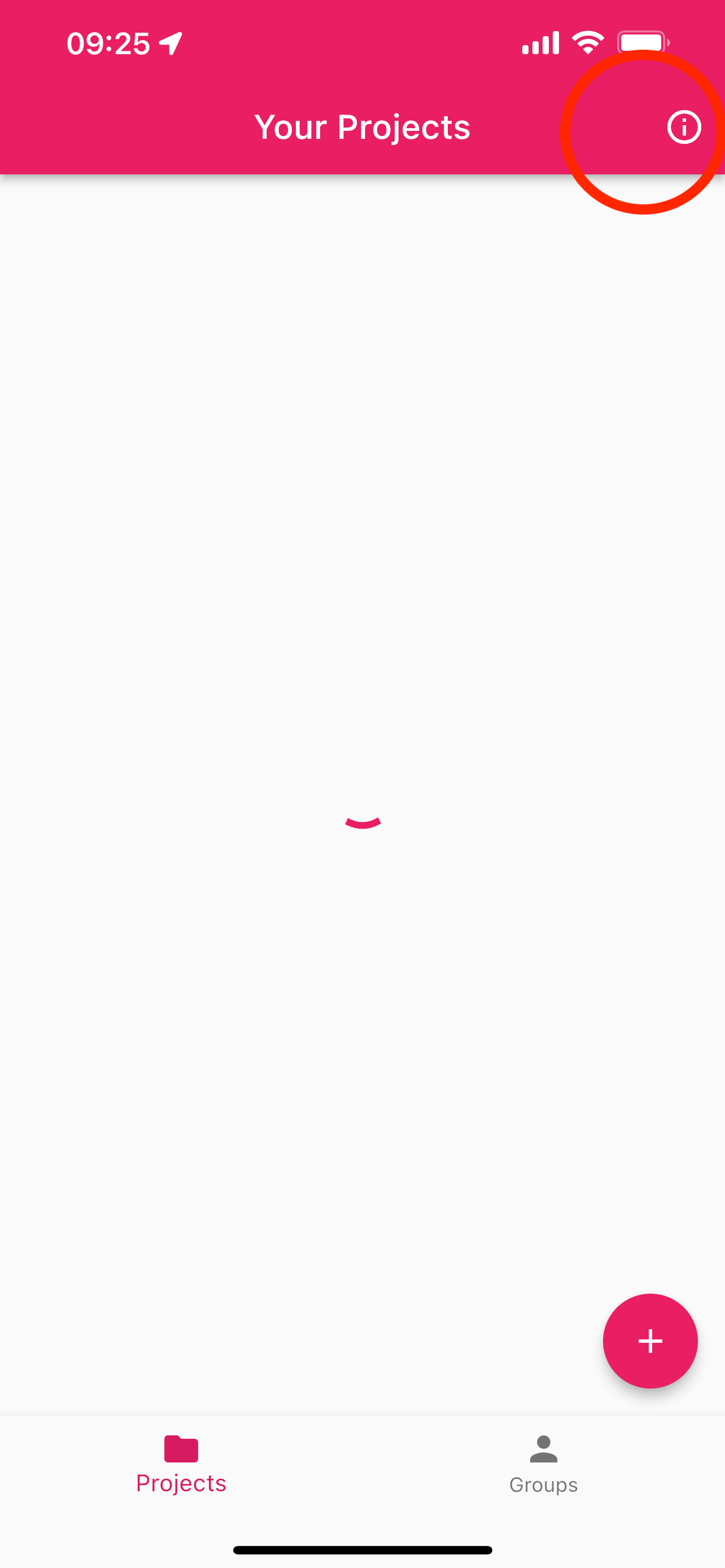
On the next screen, tap "Delete account", and enter your password to complete the process.
Modify your account
Treadl purposefully does not collect much information from you, aside from the details required to log in (a username/email and password, which can both be changed via your account settings on the website, as shown above).
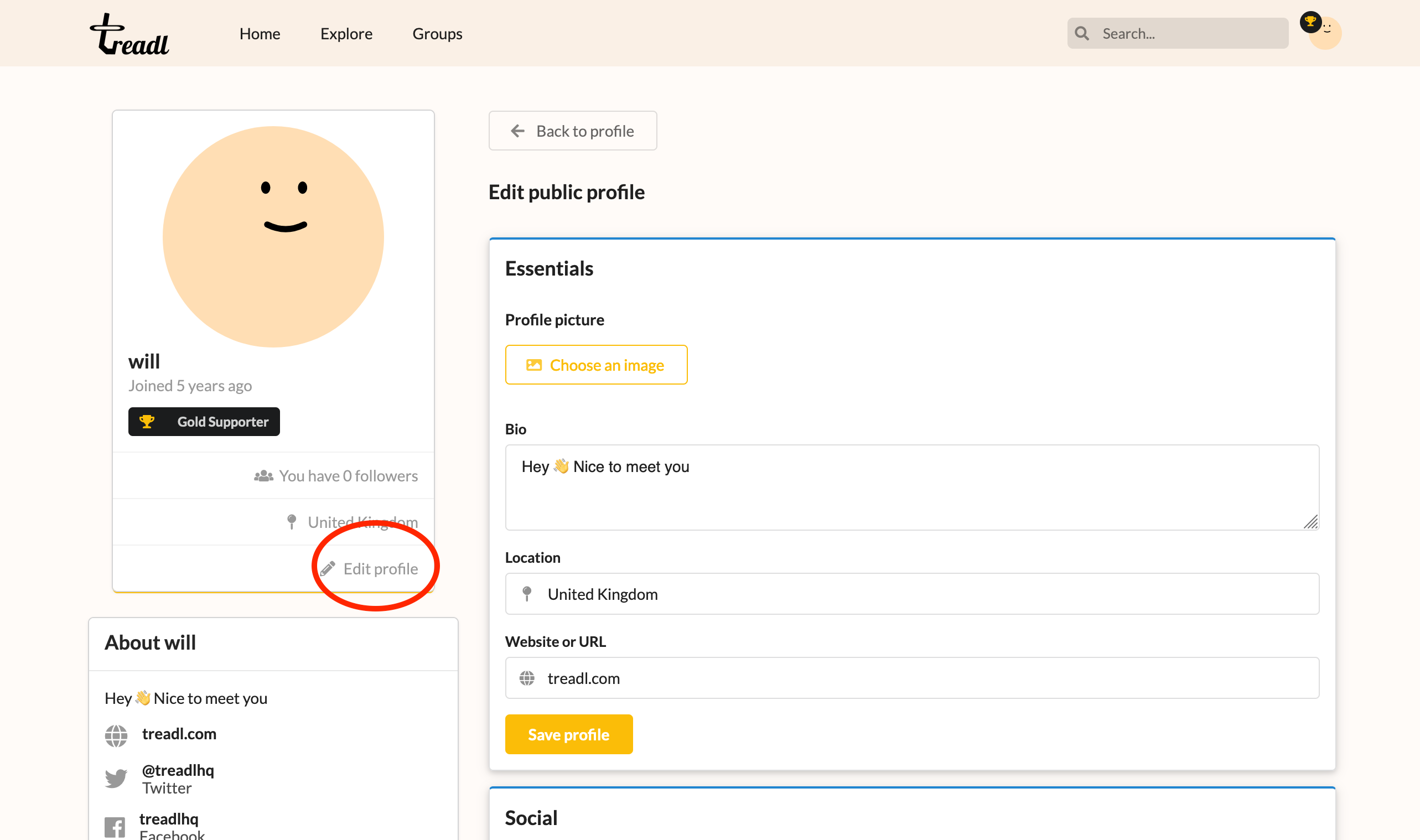
If you have entered additional profile information, and wish to change or remove this, then navigate to your profile page on the website, and click the "Edit profile" button. You will then be able to change or remove the different areas of your profile.